Stop cropping.Start dropping.
Every pic in the folder, any size, comes back a 1920×1080 black-bar thumbnail: square, dead center, zipped. About 8 seconds. Nothing uploads.
- Runs in your browser. Nothing uploads.
- No card. Sign in with Google or an email code to download.
- Not AI. Your own pics and beats, nothing generated.
Waiting for a folder
Output · 1920×1080 · JPG · one zip
Drop a folder of pics
This frame is the tool. Drag a folder anywhere inside.
Your batch
0 filesYour batch lands hereSquare crop, dead center, black on both sides. Every pic, the same.
No card. Sign in with Google or an email code to download.
Your thumbnails come with you. No re-upload.
Three steps.Zero brain.
Drop the folder
Any folder of pics: reference saves, screenshots, renders, whatever you've got. Subfolders welcome. Hidden files skipped.
Your machine does it
Square crop, dead center, black canvas, JPG. No upload, no server queue, no API key.
One sign-in, one zip
Sign in free and the zip lands straight away: every thumbnail, named after its pic, in one folder.
Same crop. Same canvas.Twenty-eight times.
The pics come off the internet in every size there is. The look needs exactly one: square, dead center, on black. So the week ends in an editor tab: drag, crop, export, next, once per thumbnail. The look was never the work. The cropping definitely wasn't.
- A week of thumbnails, by hand
- ~90 min
- One editor tab, one pic at a time, every week the channels run.
- The same folder, dropped here
- ~8 sec
- Square crop, dead center, zipped. The whole batch at once.
- The difference
- Yours
- More beats, more deals, channel five, or a slower Saturday. All of it counts.
It's not a trend.It's the format.
Search "type beat" on YouTube. Almost every thumbnail on the page uses the same black-bar format: square crop, dead center, wide black canvas. The only difference between the channels is how long each producer spent making them by hand. Keep the editor evening, or drop a folder and ship the batch before the kettle boils. Your call. That's the whole point.
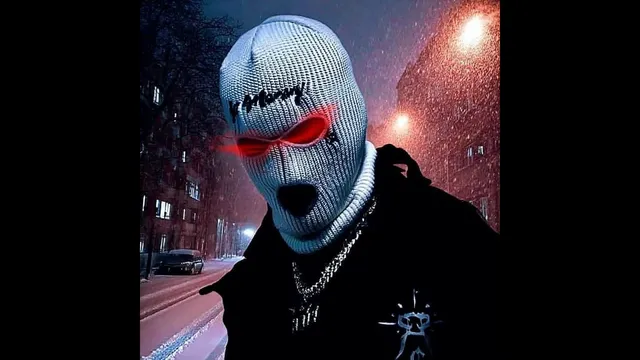 JPG
JPG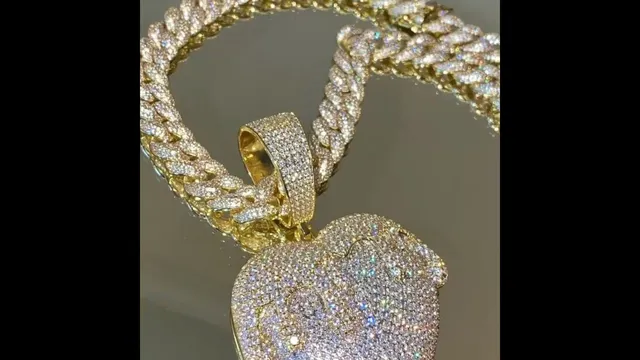 JPG
JPG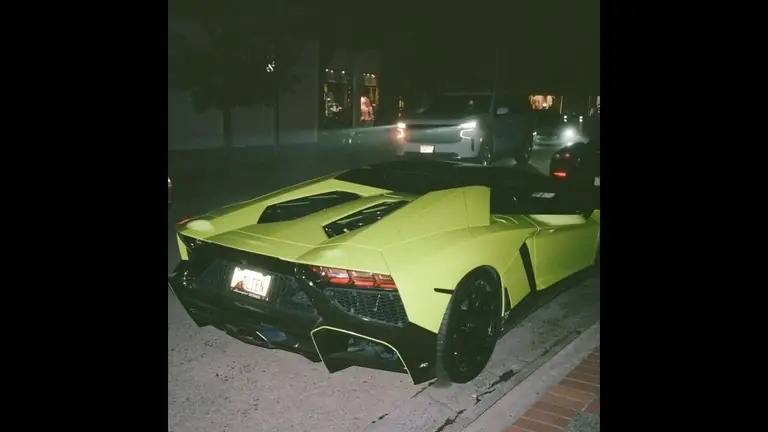 JPG
JPG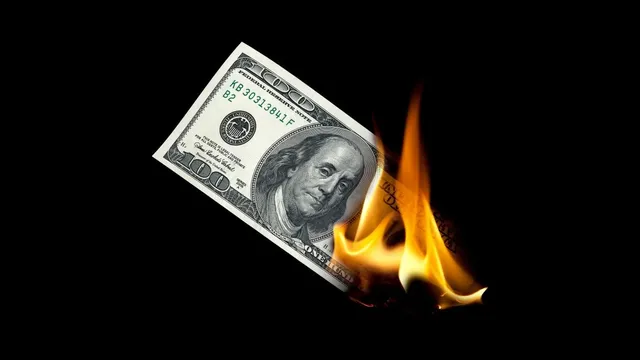 JPG
JPG JPG
JPG JPG
JPG JPG
JPG JPG
JPG
Not AI.Just your pic, centered.
Nothing is generated and nothing is trained on. Each pic is cropped to a square, set dead center on a 1920×1080 black canvas and saved as a JPG at 95 quality. Never stretched, never squashed.
Asked a lot.Answered once.
Is it really free?
Yes. No card, no trial clock. A free account gets you the download.
Do my files get uploaded anywhere?
No. The tools run in your browser, on your machine. Your beats and pics never leave it.
How many files at once?
Black Bars takes up to ~300 pics a drop, subfolders included. Beat Videos takes whole folders of beats and covers.
Which file types?
Pics: JPG, PNG, WEBP, BMP, TIFF. Beats: MP3, WAV, M4A. Intros: MP3, WAV, MP4, MOV.
Does it work on my phone?
Black Bars does. Beat Videos and the video half of Whole Batch need a laptop browser that can render video: Chrome, Edge or Safari. Whole Batch's thumbnails work anywhere.
Is any of it AI?
No. Black Bars crops your own pic to a square and centers it on black. Beat Videos puts your own cover over your own beat. Nothing is generated, and nothing is trained on your beats or your pics.
Is there a watermark?
No. Your videos and thumbnails come out clean.
Why do you want my email?
It is how your free account works and how the download reaches you. It goes to Kit, my email service. One click unsubscribes.
Rocket I've made beats for 15+ years, and I still wasn't going to crop 28 pics by hand every week. So I built the thing that does it. It's yours.